Sixty Minutes of Silence: A Live Account of a Business Broadband Switchover
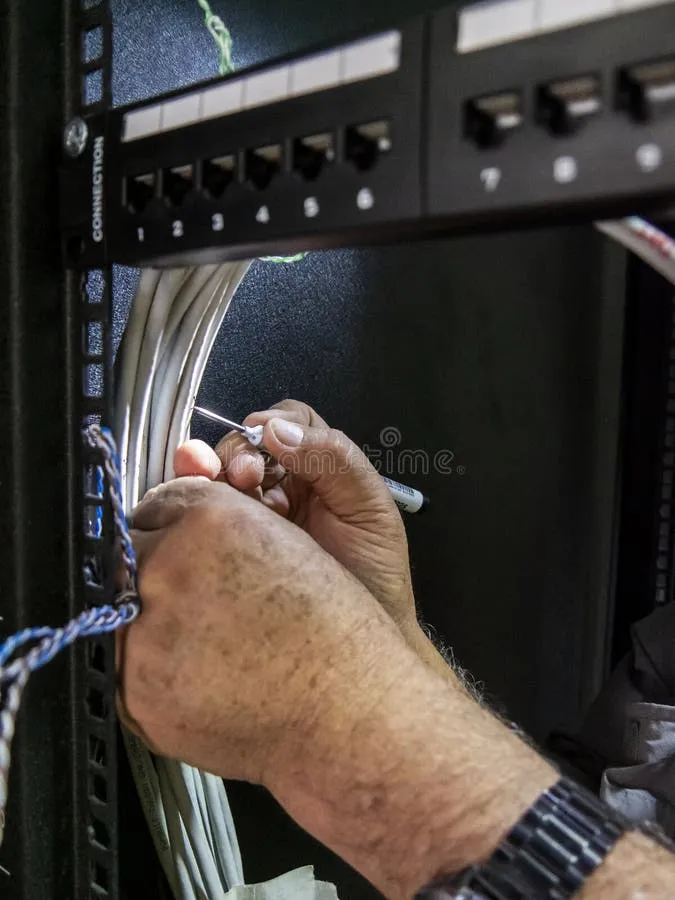
Photo: broadband engineer installing router office network cabinet, via thumbs.dreamstime.com
Switching broadband provider is one of those tasks that every business owner knows is necessary and very few look forward to. The fear is rarely about the monthly saving — it is about the gap. The hour, or the afternoon, or the day when the office is simply offline.
To demystify the process, we followed a fictional but entirely typical five-person accountancy practice in Reading through a live switchover. What follows is a minute-by-minute account of what actually happens, and the one phone call nobody had planned for.
09:40 — The Engineer Arrives
The switchover had been booked for a Friday, deliberately chosen because the practice closed to clients at midday. Priya, the practice manager, had spent the previous week doing exactly what the outgoing provider's migration team recommended: backing up cloud data locally, printing the week's payment runs, and warning staff that connectivity would drop at some point before lunch.
The Openreach engineer arrived at 09:40, signed in with the building's facilities contact, and got straight to work in the comms cabinet under the stairs. For the first twenty minutes, nothing visible changed. The existing line stayed live; staff carried on processing month-end reconciliations.
10:05 — The Cutover
At 10:05 the engineer disconnected the old service and began configuring the new connection. This is the moment most businesses worry about, and it is worth being precise about what it involves:
- The physical handover at the exchange or street cabinet, which usually happens overnight or early in the migration window
- The on-site work: connecting the new router or ONT, verifying sync, and testing the line
- The reconfiguration of anything that depends on the connection — firewalls, static IP settings, VoIP handsets
The new router came online at 10:22. Speed tests showed the expected full-fibre performance, comfortably above the contracted rate. So far, so uneventful.
10:35 — The Problem Nobody Booked
Then came the call nobody had planned for. The practice's card payment terminal, which connected through the broadband line, refused to authorise a client's invoice payment. It had been configured years ago with the old network's settings, and nobody had thought to include it in the migration checklist.
A fifteen-minute call to the terminal's support desk resolved it, but the lesson was clear: it is rarely the broadband that catches businesses out on switchover day. It is the devices quietly dependent on it — payment terminals, CCTV, door access systems, alarm monitoring lines.
11:15 — VoIP Handsets and Static IPs
The practice runs its phone system over the internet, so the final stage was re-registering the VoIP handsets against the new connection. Because the provider had supplied a new static IP, the firewall rules needed updating first — a five-minute job that would have caused an hour of head-scratching had it not been flagged in advance.
By 11:30, Priya was on a video call with a client, and the line held perfectly. Total downtime: roughly seventy minutes, most of it scheduled.
What This Means for Your Business
Three practical takeaways emerged from the morning:
- Inventory everything that touches the line. Payment terminals, CCTV, alarms and printers all need to be on the migration checklist, not just laptops and phones.
- Schedule the cutover for your quietest hours. A Friday morning with a midday close, or a weekend slot, turns a business-risk event into a minor inconvenience.
- Ask about static IPs early. If your firewall, VoIP system or remote access depends on one, confirm how it will be handled before signing.
A well-run switchover is boring, and boring is exactly what you should be aiming for.